Crypto Wallet Drain Attack Vectors
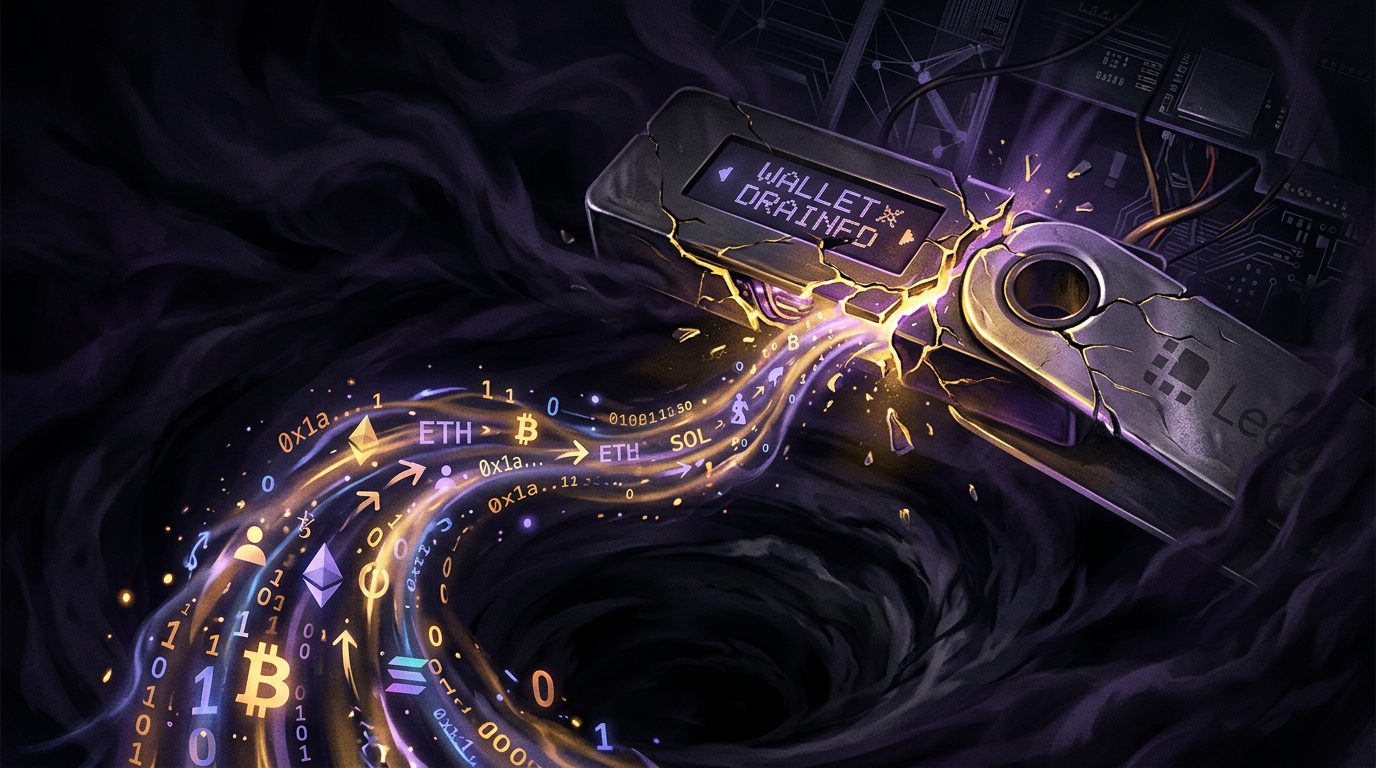
Let me clear something up, because it costs people money every day: your crypto wallet almost certainly won't get "hacked." Nobody is going to brute-force your private key — the math makes that computationally impossible with current technology. What actually happens is that you approve the theft yourself, usually without understanding what you clicked. The attack is social and technical at once, and it's brutally effective.
Chainalysis tracked over $2 billion stolen from crypto in 2024. The overwhelming majority came not from breaking cryptography but from tricking humans and exploiting how wallets and contracts interact. Here are the vectors that actually drain accounts, and how to shut each one.
1. Approval phishing
This is the big one. In the ERC-20 and ERC-721 token standards, you grant contracts permission to move your tokens via an approve() call. A malicious site prompts you to sign an approval — often for an unlimited amount — and once you do, the attacker's contract can drain that token whenever it likes. You didn't get hacked. You issued a permission slip.
// What you think you're signing:
approve(spender, 100)

// What the malicious dApp actually requests:
approve(attackerContract, 2^256 - 1)  // unlimited
Defense: Read what you sign. Use a wallet that decodes transactions into plain language. Periodically review and revoke approvals with a token-approval checker. Never approve unlimited amounts unless you fully trust the contract.
2. Blind signing
Hardware wallets are excellent, but they have a weak spot: when a transaction is too complex to display, some interfaces ask you to "blind sign" — approve a payload the device can't fully render. Attackers craft transactions that look benign but authorize a transfer. If your device shows a hash instead of a human-readable action, stop.
Defense: Disable blind signing where possible. Use wallets and dApps that support clear signing. If you can't read it, don't sign it.
3. Seed phrase theft
Your 12- or 24-word seed phrase is your wallet. Anyone with it has total control, no password required. Attackers get it through fake wallet apps, phishing sites that ask you to "verify" your phrase, malware that scans your clipboard and files, and — embarrassingly often — photos of the phrase stored in cloud backups.
No legitimate service will ever ask for your seed phrase. Ever. The request itself is the attack.
Defense: Write it on paper or steel, store it offline, never type it into anything except your hardware wallet during recovery. Never photograph it. Never store it in a password manager, notes app, or email.
4. Address poisoning
A newer, sneaky one. The attacker sends you a tiny transaction from an address that looks almost identical to one you use often — same first and last characters. Later, when you copy an address from your history, you grab theirs by mistake and send funds straight to the thief.
Defense: Never copy addresses from transaction history. Verify the full address, not just the ends. Use an address book for frequent recipients.
5. Malicious contract logic
Sometimes the contract itself is the trap — a token you can buy but not sell (a honeypot), or a "staking" contract with a hidden withdrawal function only the deployer can call. This is where smart-contract auditing skills pay off directly.
Defense: Interact only with audited, verified contracts. Check the source on a block explorer. When in doubt, assume the contract is hostile until proven otherwise.
The pattern underneath all of it
Notice what every one of these has in common: the cryptography held. The wallet worked exactly as designed. The failure was in the human decision layer — what you approved, what you signed, where you stored the keys. That's good news, actually, because the human layer is the one you fully control.
Hardware wallet for anything you can't afford to lose. Clear signing over blind signing. Revoke stale approvals. Verify addresses in full. Guard the seed phrase like it's the money itself — because it is. Do those five things and you've closed the doors that account for the vast majority of drains.
Wallet hygiene: use more than one
One habit shuts down a huge share of approval-phishing risk: compartmentalize your wallets. Keep a "hot" wallet with small amounts for interacting with new or unfamiliar dApps, and a "cold" wallet — ideally hardware-based — that never touches a website and only holds your long-term funds. When a malicious contract gets an approval from your hot wallet, the blast radius is whatever pocket change you left in it, not your entire net worth. I treat the hot wallet as disposable and expect it to eventually get burned. That expectation changes how much I'm willing to lose.
The same logic applies to minting and airdrops — the two activities that generate the most malicious approval requests. Never connect your main wallet to a mint site you found in a Discord DM or a reply-guy on social media. Attackers seed fake mint links precisely because greed and FOMO make people click faster than they read. A separate throwaway wallet turns a potential catastrophe into a shrug.
Verify on-chain, not on-vibes
Before interacting with any contract holding real value, pull up its address on a block explorer and check three things: is the source code verified, how old is the contract, and does the activity look organic? A contract deployed an hour ago with a flashy website and a countdown timer is a textbook rug setup. Verified source you can actually read beats a slick landing page every time. And if a "support agent" ever DMs you first offering to help — in any crypto context — assume it's an attacker. Legitimate support does not slide into your DMs. That single rule prevents an enormous amount of loss.
// lock_your_wallet
Secure your crypto setup.
A one-on-one wallet OPSEC review, or a full smart-contract audit at $1,497. Stop approving your own drains.
See Pricing →